
 Free Consultation & Customization
+86- (0)731 88761671
Overview:
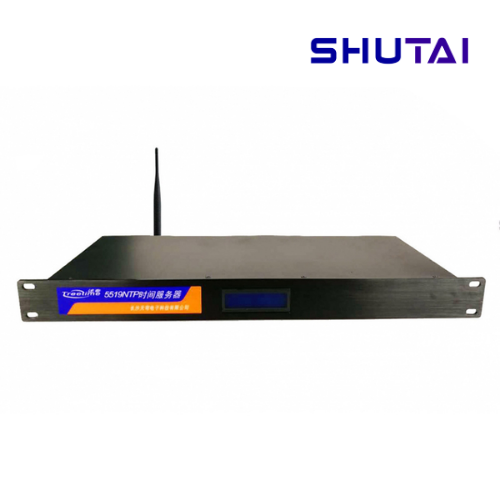
TQ5519 is a comprehensive time synchronization device developed by Changsha Tianqiong Electronics Technology Co., Ltd. for systems such as medical, educational, and government networks. With the continuous development of technology, enterprise information systems are becoming increasingly sophisticated and convenient, requiring more network devices and servers. For unified management, these devices and servers need to have consistent time. However, each device has its own clock, and without synchronization, the time difference between all devices and hosts in the network will increase over time. With the continuous development of various network applications, it is necessary to establish a time synchronization system in the enterprise network to calibrate the clocks of various devices, achieve network-wide time synchronization, and ensure the normal operation of the entire network.
Features:
1. High-precision synchronization
Receives Beidou/GPS satellite system signals, with a timing pulse accuracy of 50ns; achieves 1-50 milliseconds accuracy in different network environments;
2. Excellent network timing performance
Supports timing across different network segments within the same LAN and across different LANs, providing timing services for tens of thousands of clients; ports can be quickly expanded by connecting to a router;
3. High reliability and simple design
Uses a highly reliable ARM chip and a low-power design with no fan; the system uses a simple operating system, eliminating the risk of viruses or time tampering; includes fault alarm output;
4. Convenient installation and setup
Simple installation and debugging process: simply connect the antenna, turn on the power, connect to the router, and configure the devices that need to be synchronized; no third-party software installation is required. The chassis panel has no buttons; all settings are done via a web interface.

Customer Hotline:


